

The gym app for guitar
Get your
chops back
Build your own practice routines with different exercises and scales. Log your tempo, improve your form and beat it next time.
Free during the beta. No account needed.
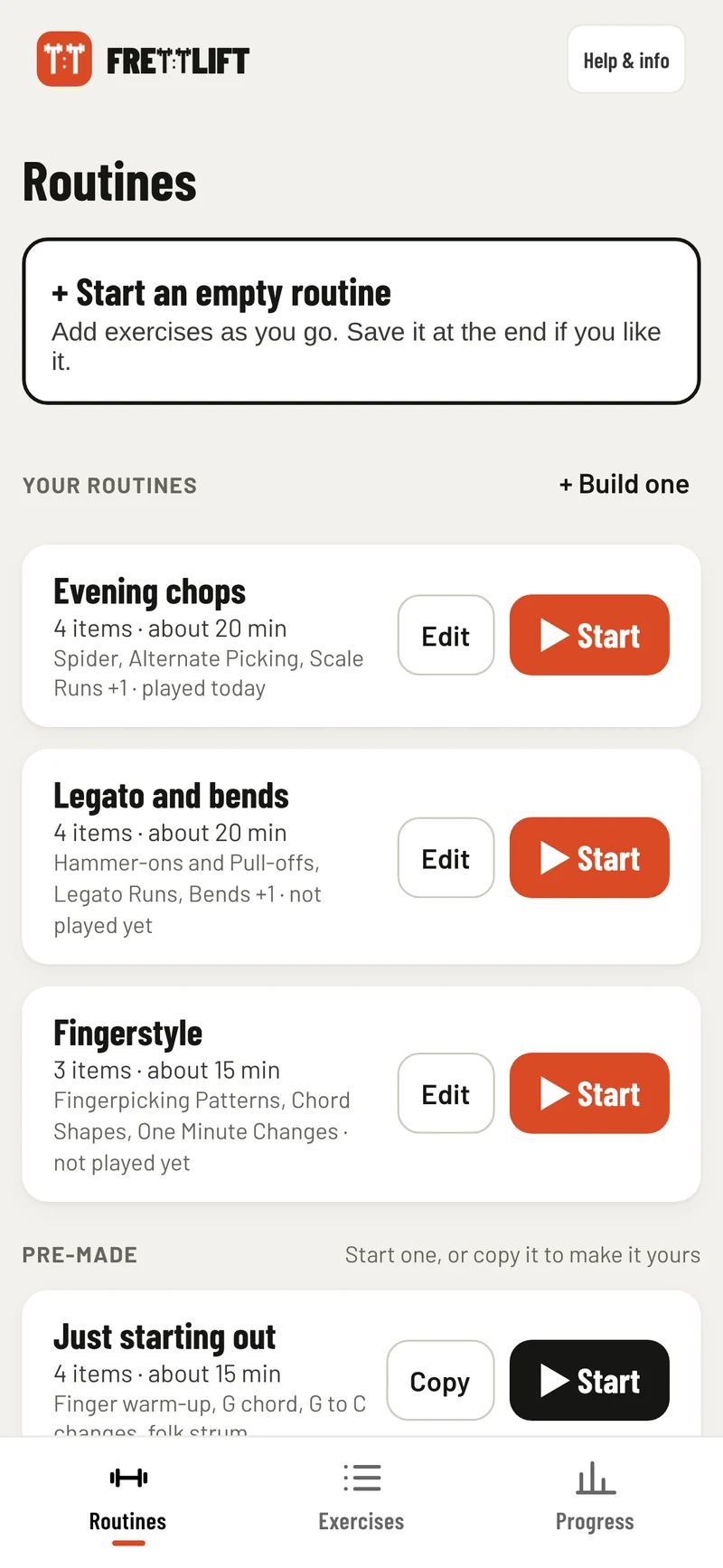
Real screens from the app. Not a highlight reel.
Free during the beta
No payment or account needed at the mo
Your data stays with you
Your practice history stays on your device
Works anywhere
Web app for laptops, tablets and phones
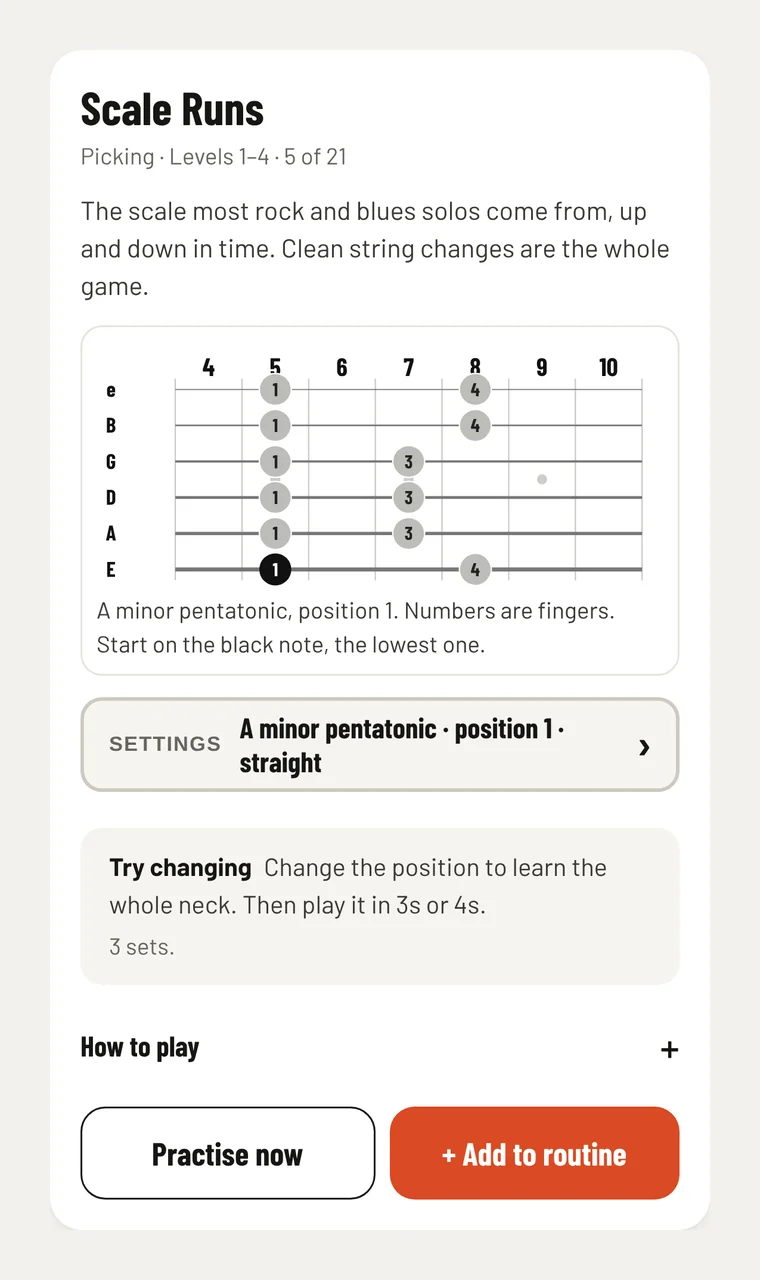
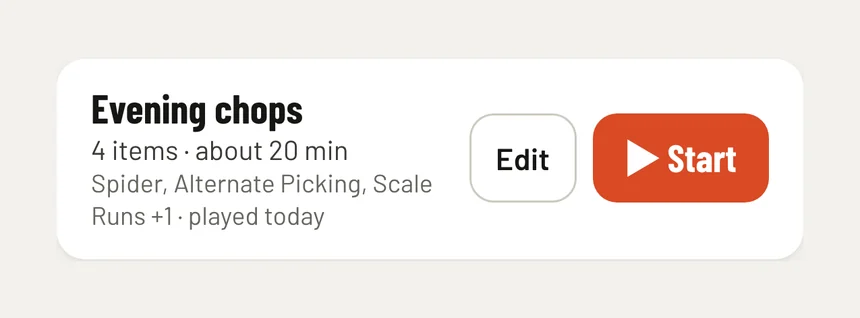
Make a plan
Build your routine
Start with a pre-made routine or an empty one. Add the exercises and scales you want to work on, and save it for next time.
- Exercises, scales and chords in one list
- Save your routine and start it again next time
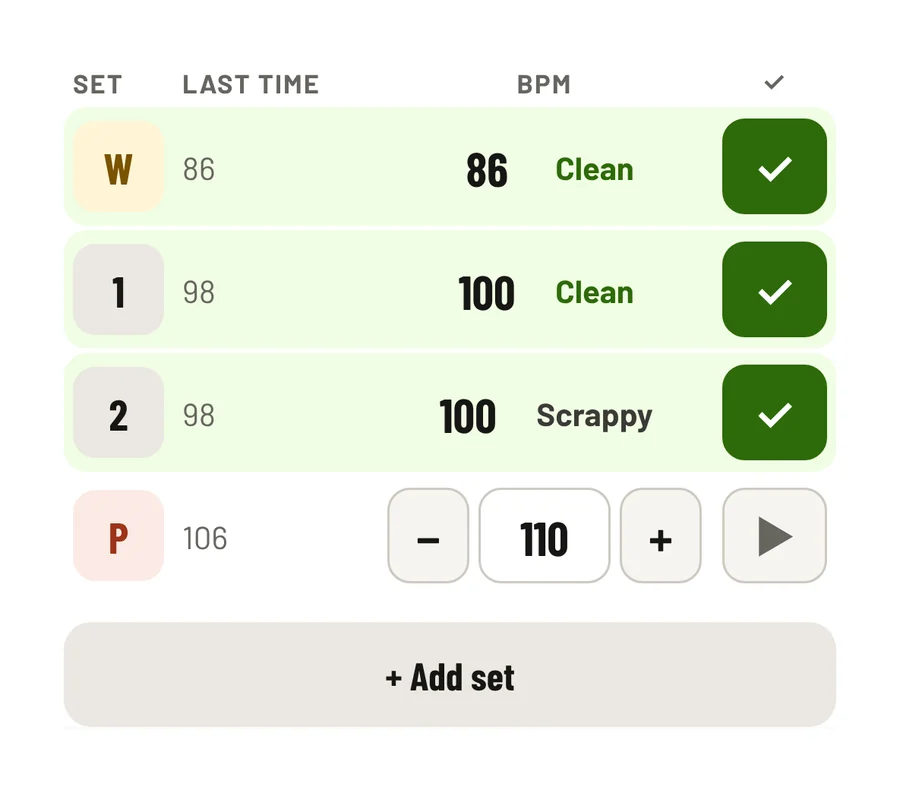
Beats per minute
Avoid ego shredding
Set the right BPM for your warm-up, working and push sets. A tempo you can play cleanly is more useful than a number that sounds like an awkward, semi-tuned buzz. Speed isn’t a replacement for musicianship but can make it easier to accomplish.
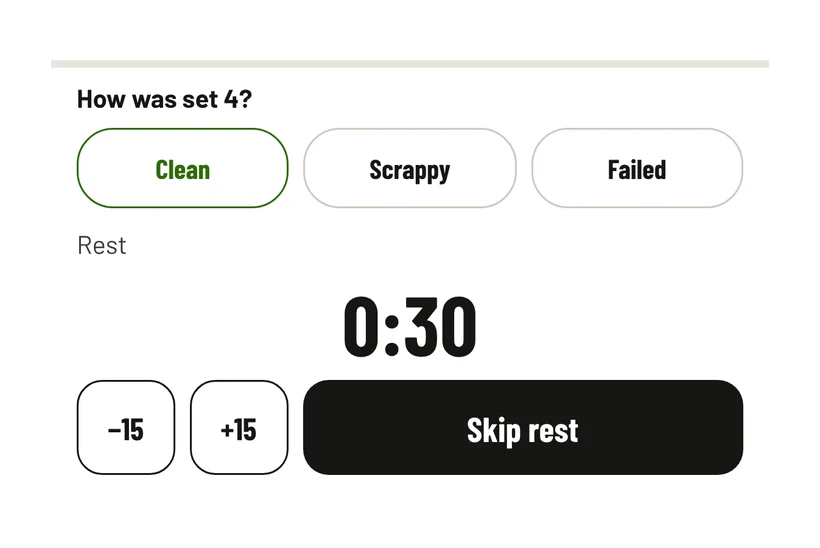
- Warm-up, working and push sets, with your last effort clear as day
- Mark every set clean, scrappy or failed
Set up where you play
A laptop or iPad on a stand works best. Both hands stay on the guitar
Your phone works too
Prop it up where you can see it. Plan and check progress away from the guitar
Little and often
Fifteen or twenty minutes most days beats one long session a week
Good to know
Common questions
Short answers. Anything else, email hello@frett.app.
Send beta feedback →How is this different from other guitar apps?
No songs or lessons. It’s a gym-style log for the fundamentals: routines, sets and a tempo to beat.
Isn’t this just about playing fast?
No. Footballers squat and sprint in the gym, not to win at squats, but so their legs can do whatever the match asks. FRETTLIFT is that gym for your hands. Clean picking, strong fingers and smooth changes mean you can play what you hear. Theory and songs are the match, and there’s theory in here too: scales, keys and chords in any key.
Is it free?
Yes, during the beta. No account and nothing to download.
Does it work on iPhone?
Yes, in Safari or Chrome. Turn the silent switch off so you hear the click.
Where is my practice saved?
On your device, in your browser. Save a backup from Help & info to move it.